
























Tabletop Game Design
COURSE 03 · COMPLEX SPREADSHEET FUNCTIONALITY & AUTOMATION

DATA. DATA. DATA.

Master the power of Google Sheets to organize game data, automate design workflows, analyze gameplay mechanics, and balance your tabletop game through powerful simulations and statistics.

Purchase Course 03
Course
03
$150

Spreadsheet Functionality & Automation

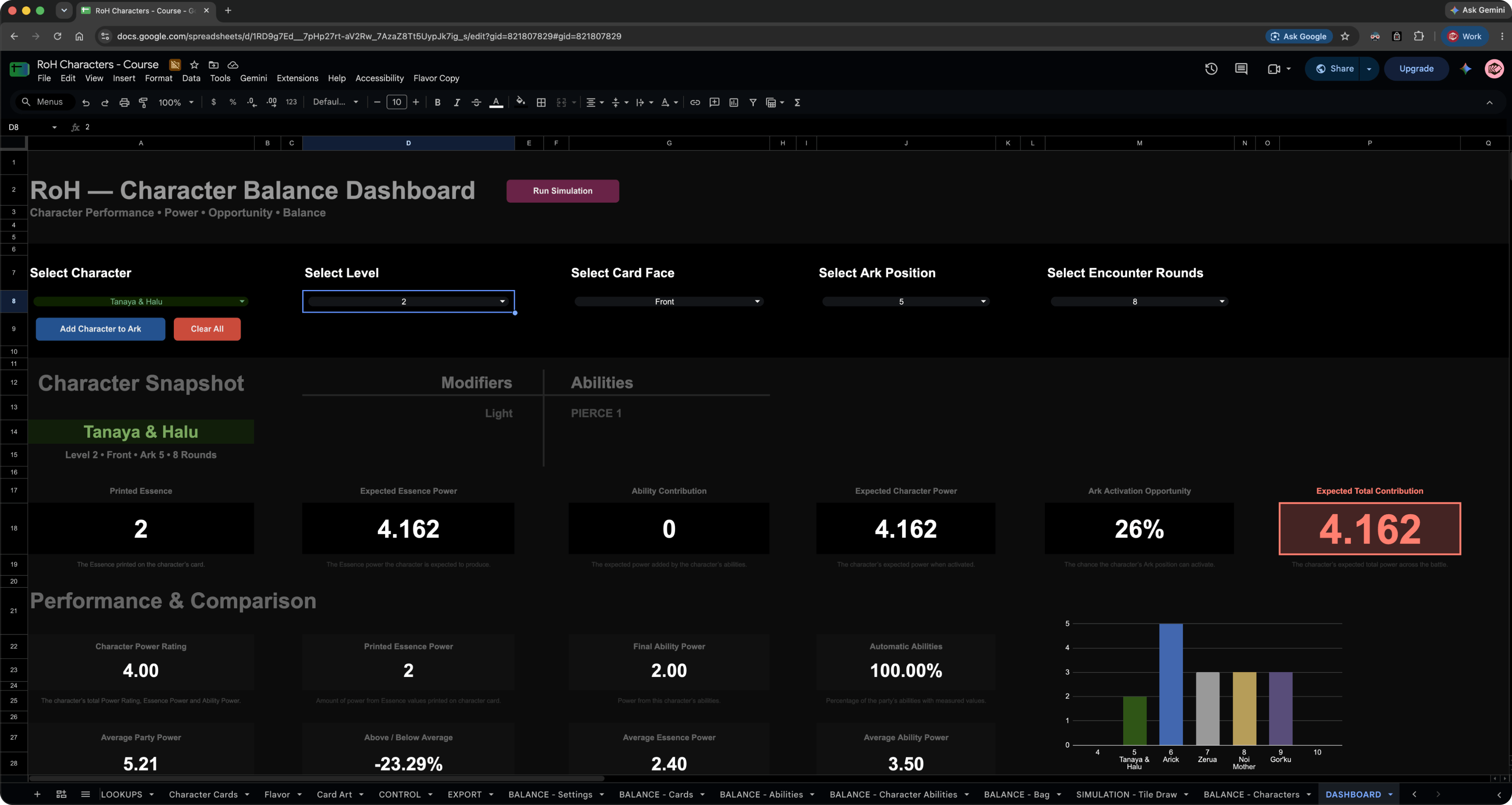
Connect Google Sheets, Figma, and automation to manage game data, evaluate balance, and build an interactive dashboard.
Course 3: $150 USD. Get Courses 2–4 together for $350 and save $50. Eligible previous course purchases receive credit toward the bundle. Course 1 is free with account signup. Applicable tax is shown at checkout.
Purchase
Organize, Analyze & Balance Your Game with Google Sheets
Explore the powerful Google Sheets environment to organize complex game data, build intelligent spreadsheets, and streamline your entire tabletop game design workflow.
The tool stack for this course.
A foundational understanding of the following tools is not required but recommended.
Google Sheets Functions for Board Games
Master Google Sheets functions, from basic formulas to advanced calculations and powerful automation, transforming complex tabletop game data into intelligent, dynamic design systems.
COUNTA
FILTER
IF
IFERROR
SWITCH
INDEX
IFS
LET
REGEXEXTRACT
ROW
ARRAYFORMULA
HSTACK
MEDIAN
REGEXMATCH
MAX
MIN
SORT
VSTACK
SUMIF
AVERAGE
COUNTIF
XLOOKUP
N
OR
UPPER
LOWER
AND
RANK
UNIQUE
SUMIFS
SUMPRODUCT
COMBIN
RAND
RANDBETWEEN
SEQUENCE
ISEVEN
SUM
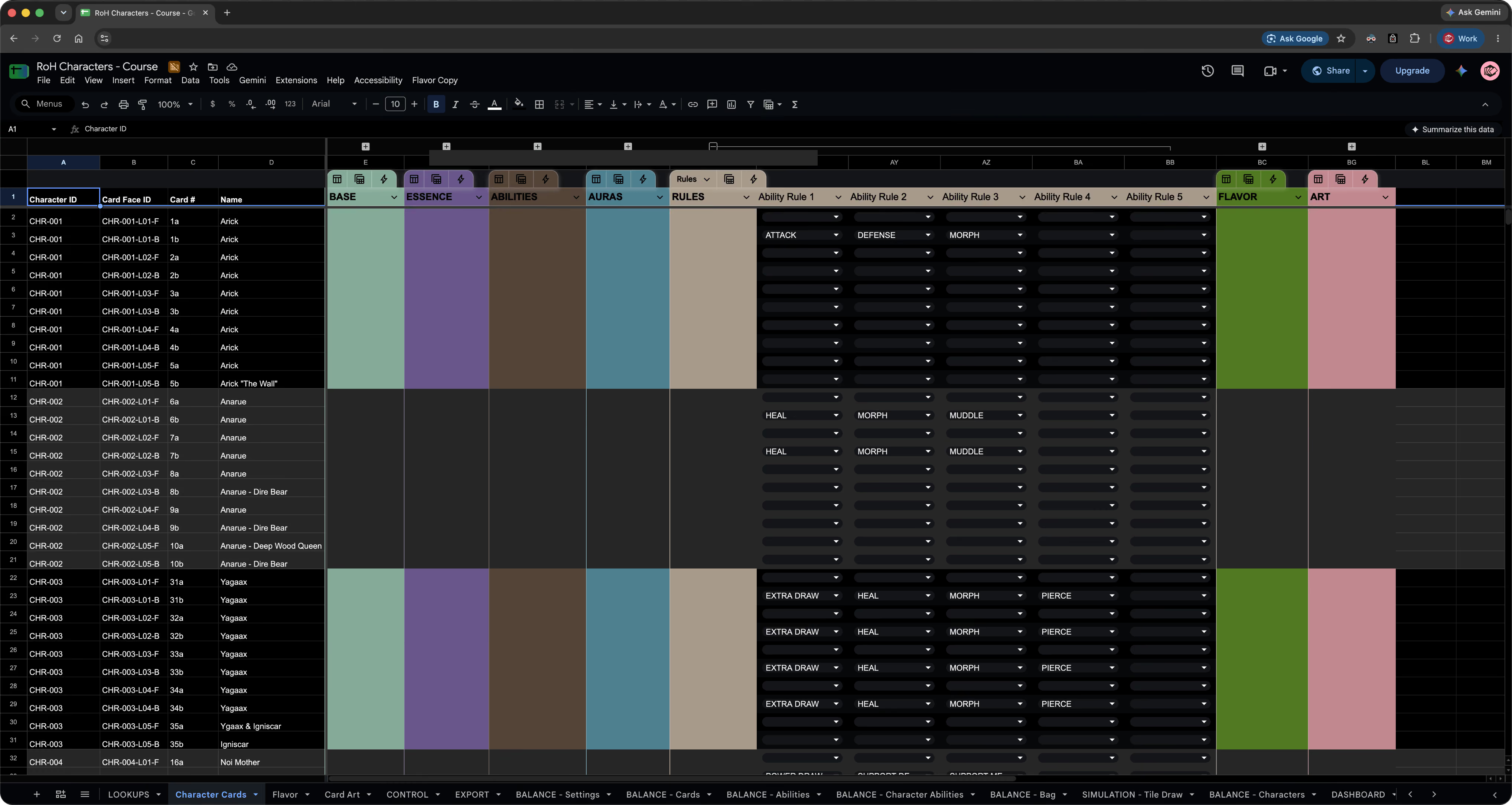
Reference spreadsheet file to explore.
Course access includes the Excel master character spreadsheet and two PDF references.
This is the Figma application logo icon.This is the Figma application logo icon.
Step by Step. Follow Along. Not Rushed.
Learn through calm, step-by-step examples that are never rushed - clear, direct, and focused on helping you truly understand each decision and strategies behind the process.
Google Sheets
Organize, format, sort, and filter game data.
IF and XLOOKUP
Use formulas to connect character data and card content.
Character Data
Structure character IDs, levels, Essence, abilities, and card sides.
Figma Automation
Connect control and export sheets to your card design workflow.
Docs & Apps Script
Bring character flavor text and documents into the data system.
Game Balance
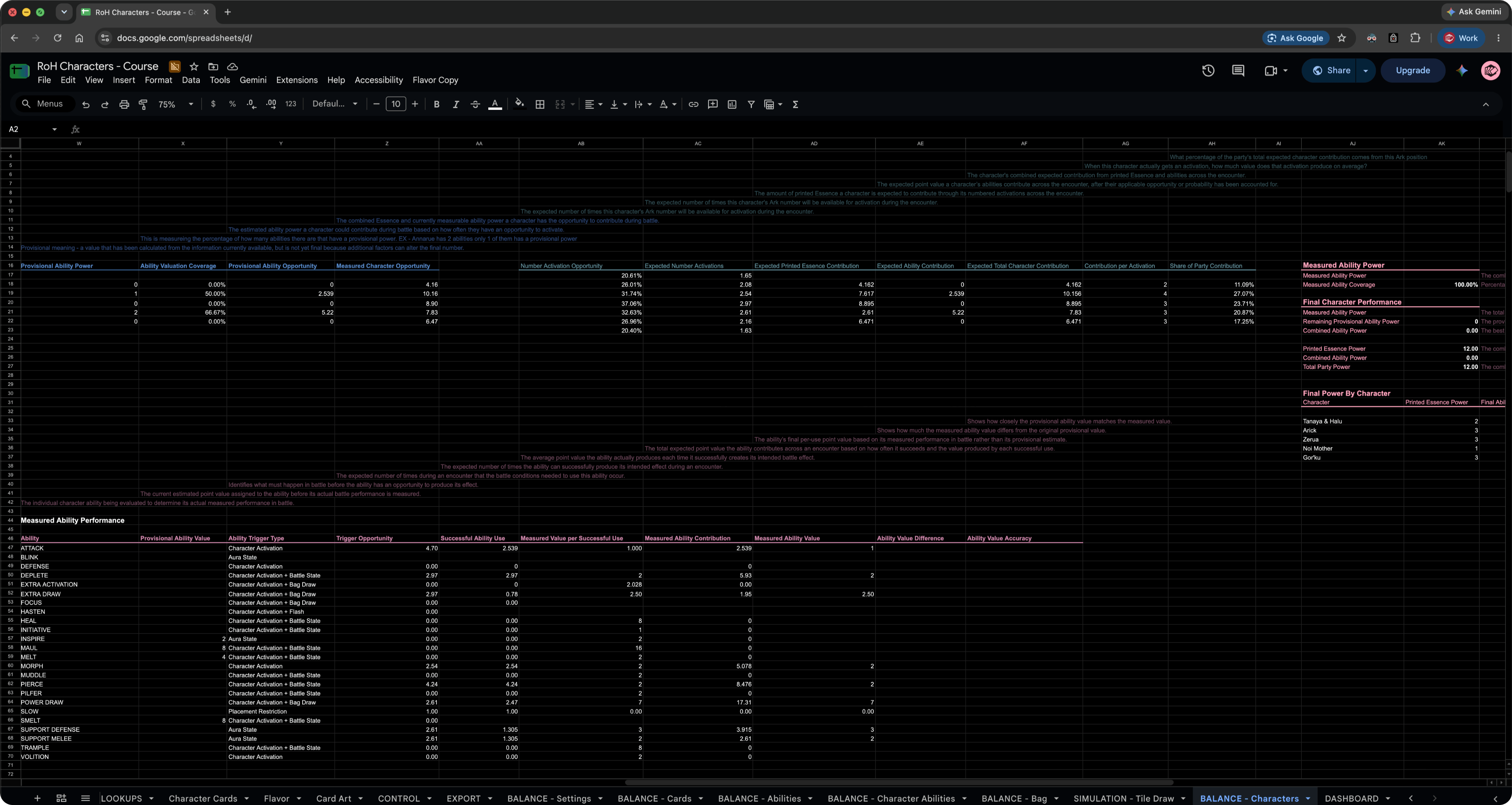
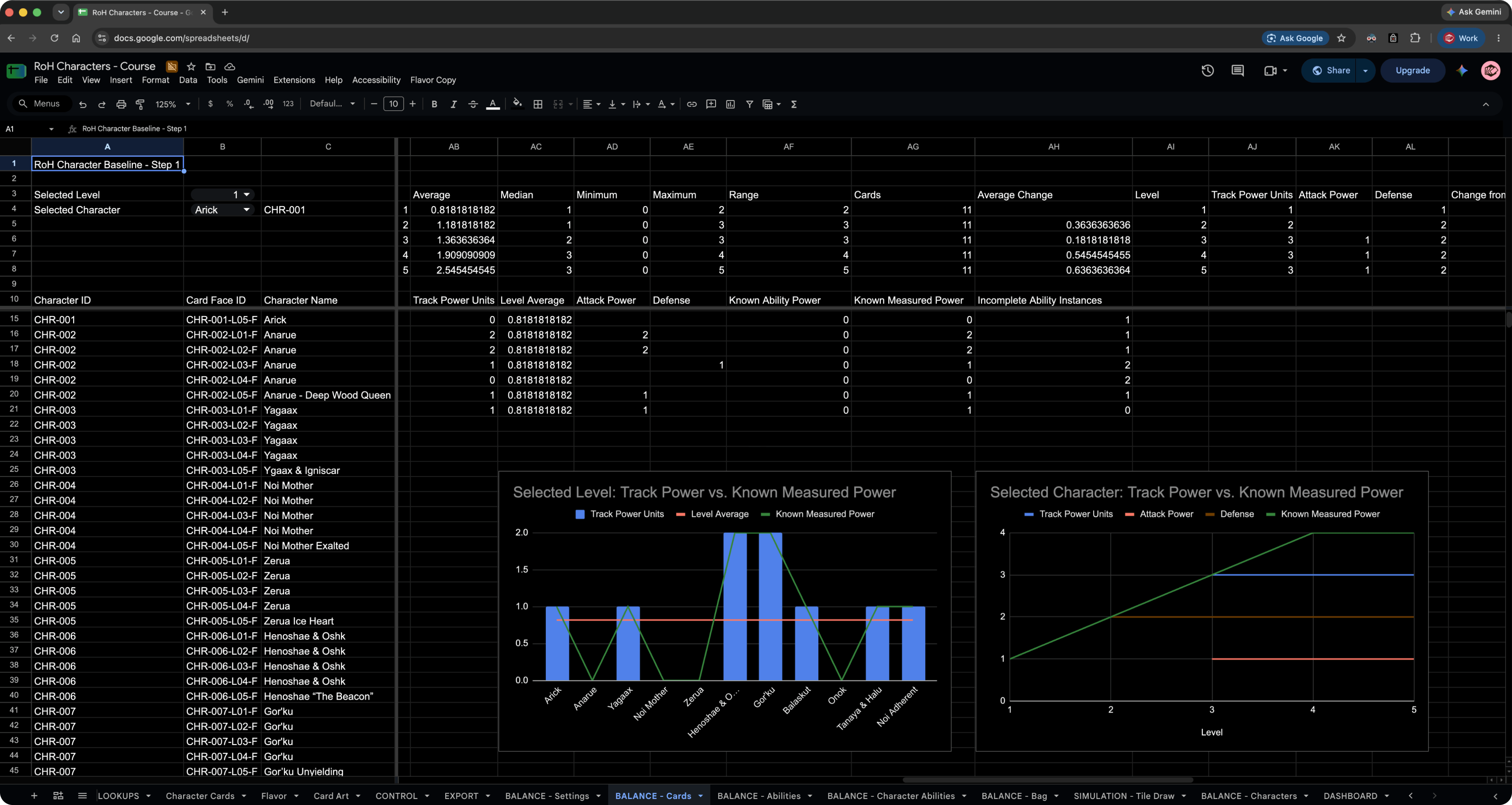
Establish baseline data and rate character abilities.
Bag Simulation
Analyze the base bag, Power Tokens, and character performance.
Interactive Dashboard
Bring character comparisons and power ratings into a visual dashboard.
All Protomight course videos include subtitles in the following languages.
United States flag for United States subtitlesCzech flag for Czech subtitlesGerman flag for German subtitlesSpanish flag for Spanish subtitlesFrench flag for French subtitlesHebrew flag for Hebrew subtitlesItalian flag for Italian subtitlesJapanese flag for Japanese subtitlesKorean flag for Korean subtitlesPolish flag for Polish subtitlesPortuguese flag for Portuguese subtitlesRussian flag for Russian subtitlesTurkish flag for Turkish subtitlesUkrainian flag for Ukrainian subtitlesChinese flag for Chinese subtitles
Course 03 Lesson List
25 Videos · 16h 26m

Browse course lessons and video previews.

Module 1 · Getting Started

Module 2 · Google Sheets Foundations

  • 04Google Sheets Tour & Basics48:57
  • 05Google Sheets Functions61:15
  • 06IF & XLOOKUP40:43
  • 07Spreadsheet Design & Formatting27:45
  • 08Sorting & Filtering39:27

Module 3 · Character Data and Automation

  • 09What we are BuildingPlay Preview26:43
  • 10Character IDs and Character Card Sides46:18
  • 11Character Base, Essence & Ability Tables41:18
  • 12Google Doc & Apps Script Integration55:41
  • 13Control & Export Sheets57:26
  • 14Creating a New Character & a ChatGPT Fix49:57

Module 4 · Game Balance and Power Ratings

  • 15Six Steps to Character Balance and Power Ratings16:34
  • 16Step 1: Establish Baseline Data63:21
  • 17Step 2: Basic Descriptive StatisticsPlay Preview32:20
  • 18Step 3: Rate the Character Abilities72:05
  • 19Step 4: Analyze the Base Bag & Power Tokens - Part 159:47
  • 20Step 4: Analyze the Base Bag & Power Tokens - Part 239:10
  • 21Step 5: Measure Character Performance in Battle - Part 139:43
  • 22Step 5: Measure Character Performance in Battle - Part 237:17
  • 23Step 6: Interactive Dashboard & Power Ratings45:38

Module 5 · Communication and Next Steps

  • 24Google Sheets Working with Google Docs & Slides19:34
  • 25Recap & What's Next9:12
Course03$150

Complex Spreadsheet Functionality & Automation

  • Organize game data with Google Sheets.
  • Automate several unique game cards.
  • Connect spreadsheet data directly to Figma.
  • Simulate gameplay and balance mechanics.
  • Build interactive game analytics dashboards.

Course Bundle Access

Course01
Course02
Course03
Course04

Course 01 - Tabletop Game Design: Style Guide & Digital Library - FREE COURSE

Course 02 - Figma Design System & High-Fidelity DIY Prototyping

Course 03 - Complex Spreadsheet Functionality & Automation - $150

Course 04 - Digital Prototyping with Tabletopia - $100