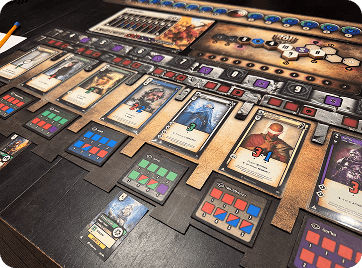
Tabletop Game Design
COURSE 02 · FIGMA DESIGN SYSTEM & HIGH-FIDELITY DIY PROTOTYPING
SYSTEM DESIGN.
Build a complete tabletop design system in Figma, from reusable components and beautiful cards to boards, tokens, and physical prototypes.
Purchase Course 02Figma Design System & High-Fidelity DIY Prototyping
Build a complete tabletop game design system in Figma, then turn your designs into a physical prototype.
Course 2: $150 USD. Get Courses 2–4 together for $350 and save $50. Eligible previous course purchases receive credit toward the bundle. Course 1 is free with account signup. Applicable tax is shown at checkout.
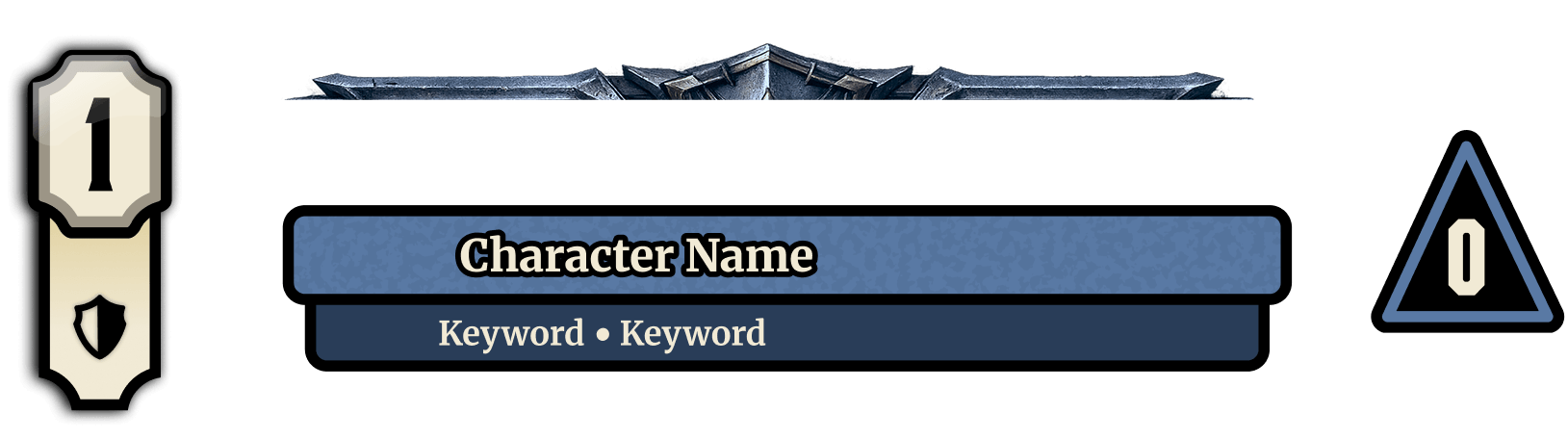
Advanced Component Design: Build highly detailed, reusable Figma components designed for maximum flexibility, consistency, and repeatability across your entire game.
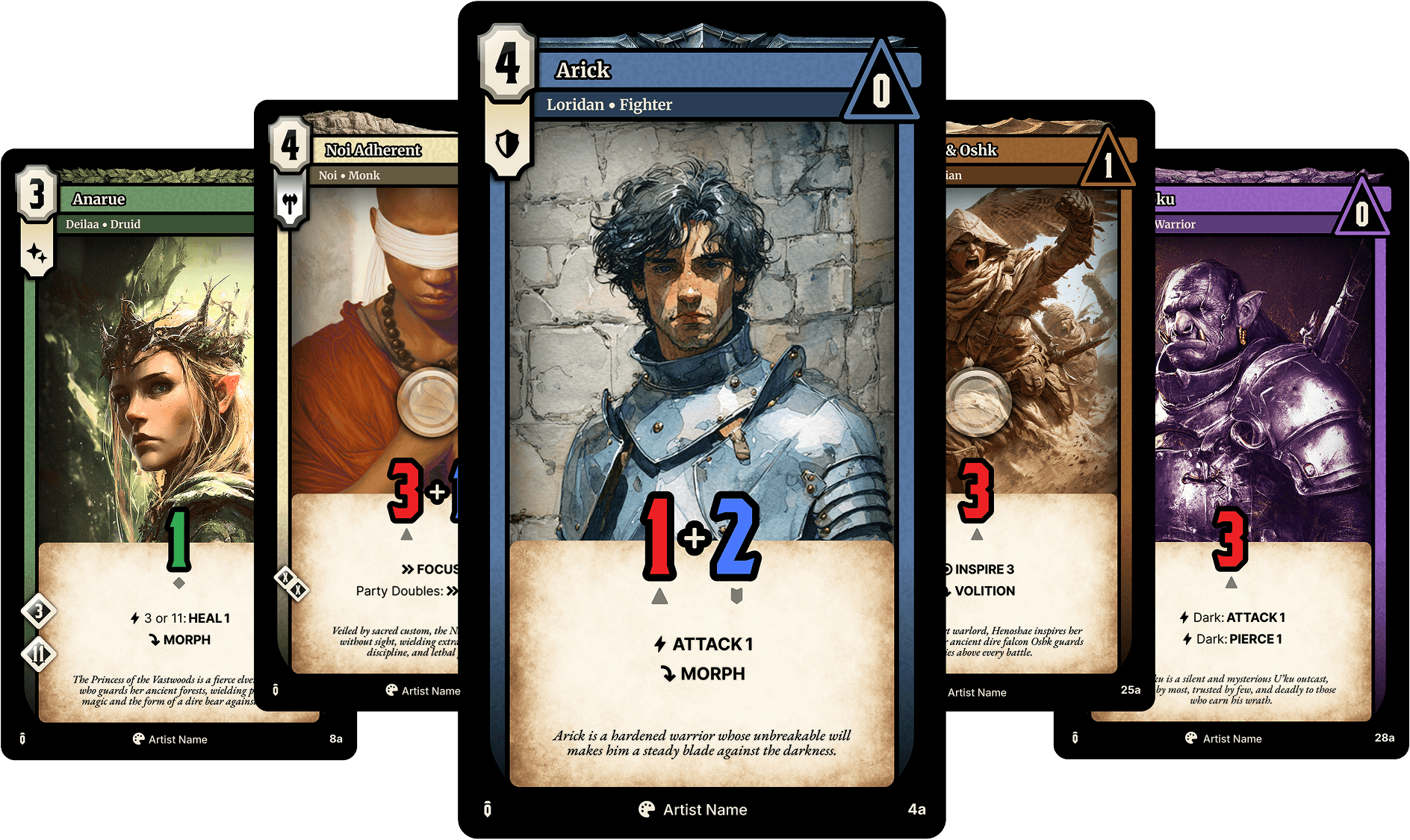
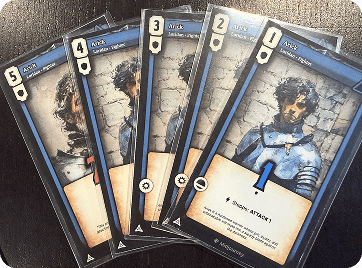
Character Card Design: Design sophisticated character cards using Figma components, variants, and Auto Layout to create flexible, professional card systems built for future data-driven automation.
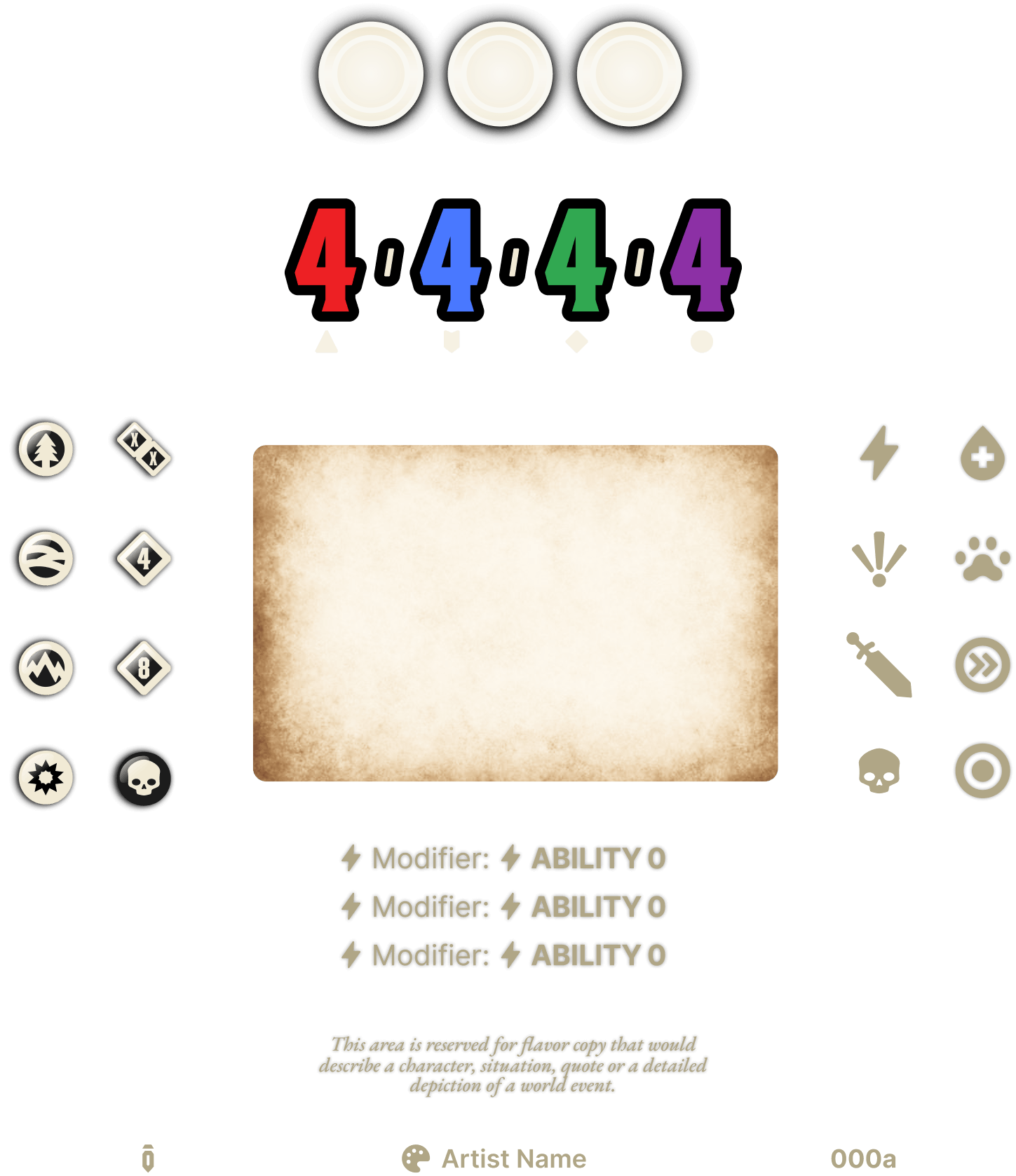
Dynamic Ability Systems: Develop powerful Auto Layout ability systems that adapt to different card layouts, abilities, and future character designs, preparing every card for seamless automation and data integration.
Build reusable components, variants, and Boolean controls for game assets.
Keep cards and components consistent as content changes.
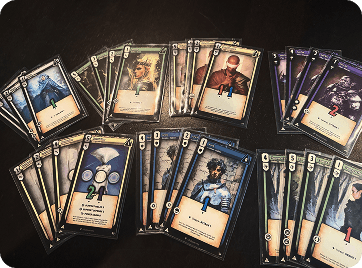
Build card fronts, backs, badges, abilities, and level variations.
Design scenario templates, foe charts, and ability tracks.
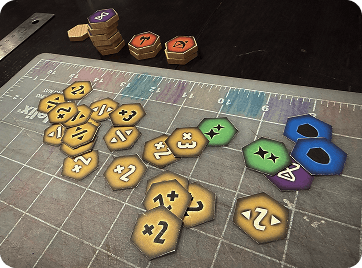
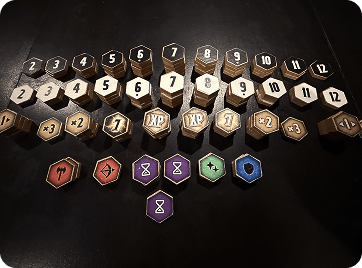
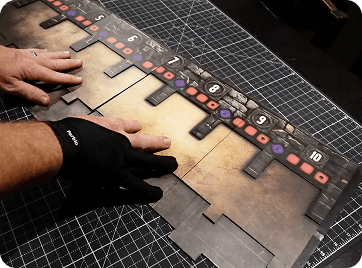
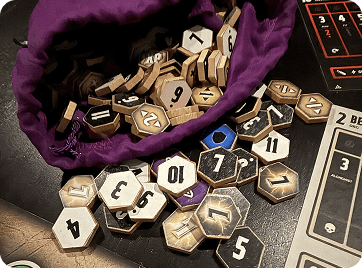
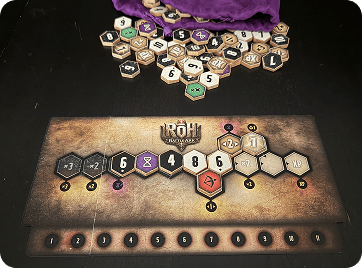
Build tokens, the round counter, battle board, and battle track.
Reuse Figma libraries across files and related components.
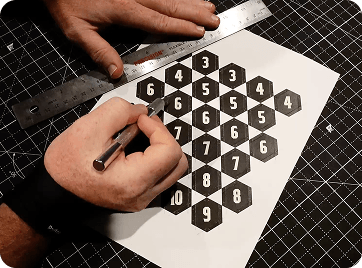
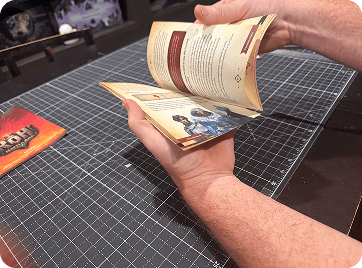
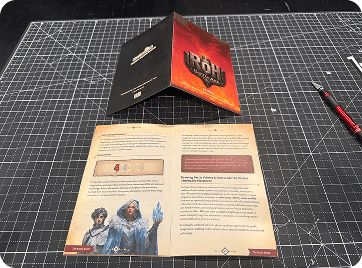
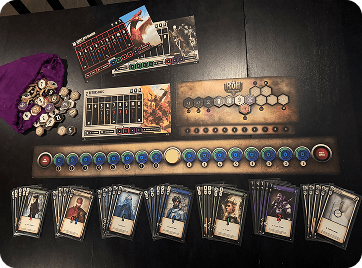
Prepare cards, tokens, boards, and rulebooks for physical production.
Work with the RoH – Battle Ark exercise file included with course access.
Module 1 · Getting Started
- 01Introduction Course 02 Play Preview11:44
- 02“RoH - Battle Ark” The Example Game34:02
- 03Tools, Plug-Ins & Downloadable File7:29
- 04Why Use Figma for Board Game Design & Prototyping9:27
- 05File & Layer Naming9:28
- 06AI, Permissions & ‘Fair Usage’4:21
Module 2 · Figma Systems and Tools
Module 3 · Tokens and Battle Boards
- 13Design Approach - 2d6 Odds Foundation16:28
- 14Building the Tokens74:02
- 15Design Approach - Battle Rounds and Turns16:07
- 16Main Battle Board Design72:15
- 17The Round Counter34:01
- 18Design Approach - Battle 'Push' Mechanic12:58
- 19Building the Battle Track50:57
Module 4 · Character Cards
- 20Diving Deep into Game Cards & Figma File Update8:47
- 21Card Badge, Art & Info60:57
- 22The Scroll Lockup67:19
- 23Card Build Out & Variants75:55
- 24Design Approach - The Characters of RoH23:21
- 25Character Level & Name Lockup60:51
- 26Frames, Card Art & Race Variant48:35
- 27The Essence Number & Modifier Icons44:34
- 28The Scroll Modifiers & Abilities51:04
- 29The Character Card Backs77:35
- 30Compiling the Character Cards56:39
- 31The Focus Card - Design Exercise18:28
Module 5 · Scenario Cards
- 32Design Approach - The RoH ScenariosPlay Preview19:47
- 33The Scenario Name Plate60:06
- 34Custom Template & Card Front65:39
- 35Scenario Card Front Continued43:58
- 36The Foe Chart58:39
- 37The Foe Ability Track76:36
- 38Finalizing the Scenario Cards57:48
Module 6 · Connected Game Components
- 39Design Approach19:47
- 40Design & Print Strategy67:07
- 41Discussion & Design Approach21:28
- 42Guides, Grids, Components & Design41:22
- 43Discussion & Design Approach33:18
- 44Implementing Figma Libraries Across Files24:58
Module 7 · Physical Prototype Production
- 45Physical Production Tools I Use12:07
- 46Cards & Tokens43:41
- 47Game Boards35:41
- 48Rulebooks24:22
- 49Prep Work for Final Print Production26:24
- 50Recap & What's Ahead8:12
All Protomight course videos include subtitles in the following languages.