

Course
01
Free

Board Game Design System: From Style Guide to Digital Library

Learn how to create professional-grade design systems built for complex board game prototypes.
Learn high-end DIY prototyping, advanced spreadsheet techniques, and lightning-fast DIY workflows that let you iterate and refine complex game components with confidence.
Sign Up For Free Access
This initial course is offered entirely free.
It’s important to me that you experience the teaching style, tools, and approach firsthand, without any up-front investment. You can then decide for yourself if it’s worth investing in the deeper, advanced courses.

Sign up for a free account and begin learning now.
Sign Up For Free Access
Organize for High Fidelity Tabletop DIY Prototypes.
Learn through fully designed, high-end assets with clear, scalable design strategies.
The tool stack for this course.
A foundational understanding of the following tools is recommended.
Responsive, Structured, Scalable Component Library
Step by step, you’ll learn how to build a responsive, structured, and scalable component library that makes iteration faster, cleaner, and infinitely expandable for your projects.
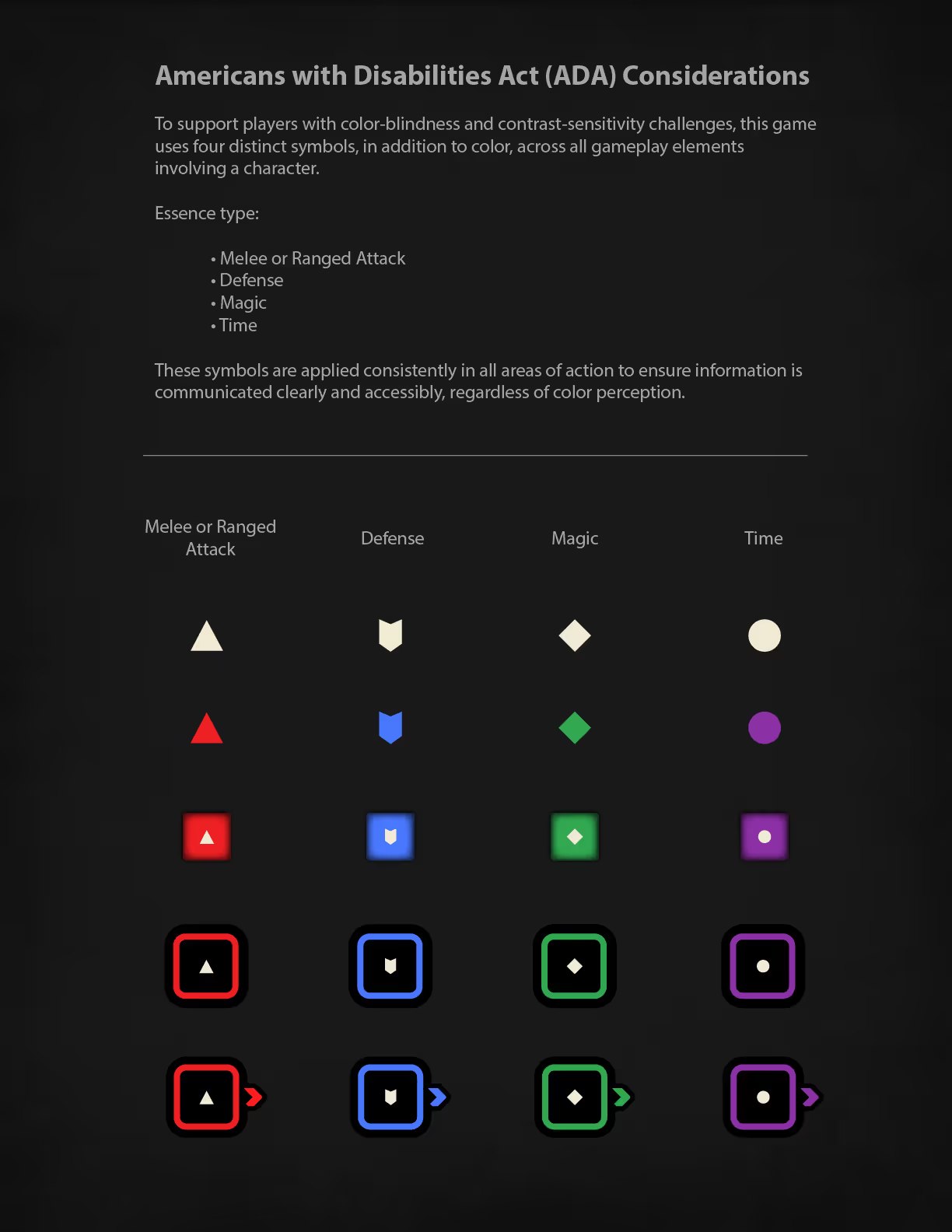
This is the melee attack icon from my example game used for this project. This icon is being displayed on a draw bag token asset.This is the defense icon from my example game used for this project. This icon is being displayed on a draw bag token asset.This is the magic icon from my example game used for this project. This icon is being displayed on a draw bag token asset.This is the time icon from my example game used for this project. This icon is being displayed on a draw bag token asset.This is the plus or minus one icon from my example game used for this project. This icon is being displayed on a draw bag token asset.This is the light super seven icon from my example game used for this project. This icon is being displayed on a draw bag token asset.This is the dark super seven icon from my example game used for this project. This icon is being displayed on a draw bag token asset.This is the light XP icon from my example game used for this project. This icon is being displayed on a draw bag token asset.
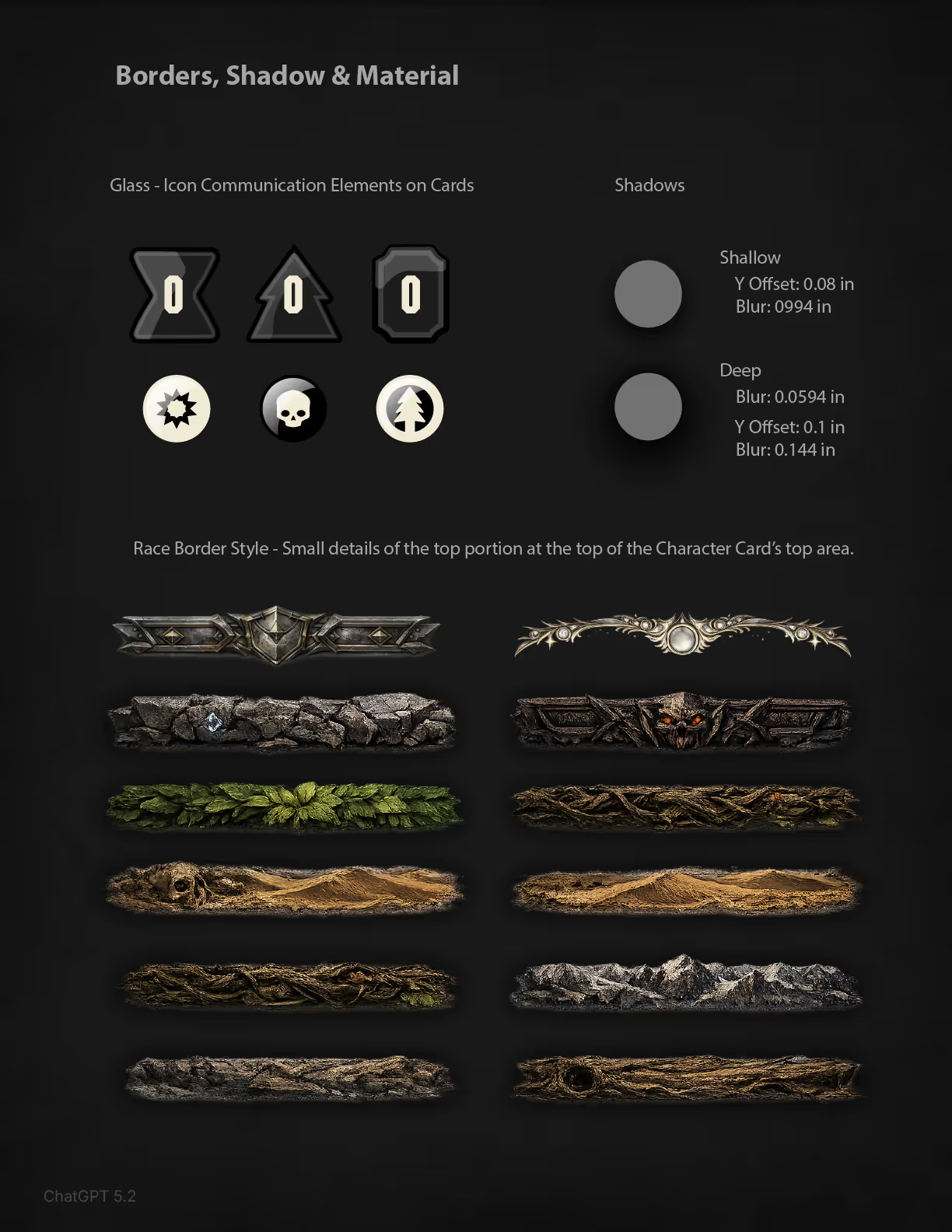
This is a graphical div used on character cards in the example game.This is a graphical div used on character cards in the example game.This is a graphical div used on character cards in the example game.
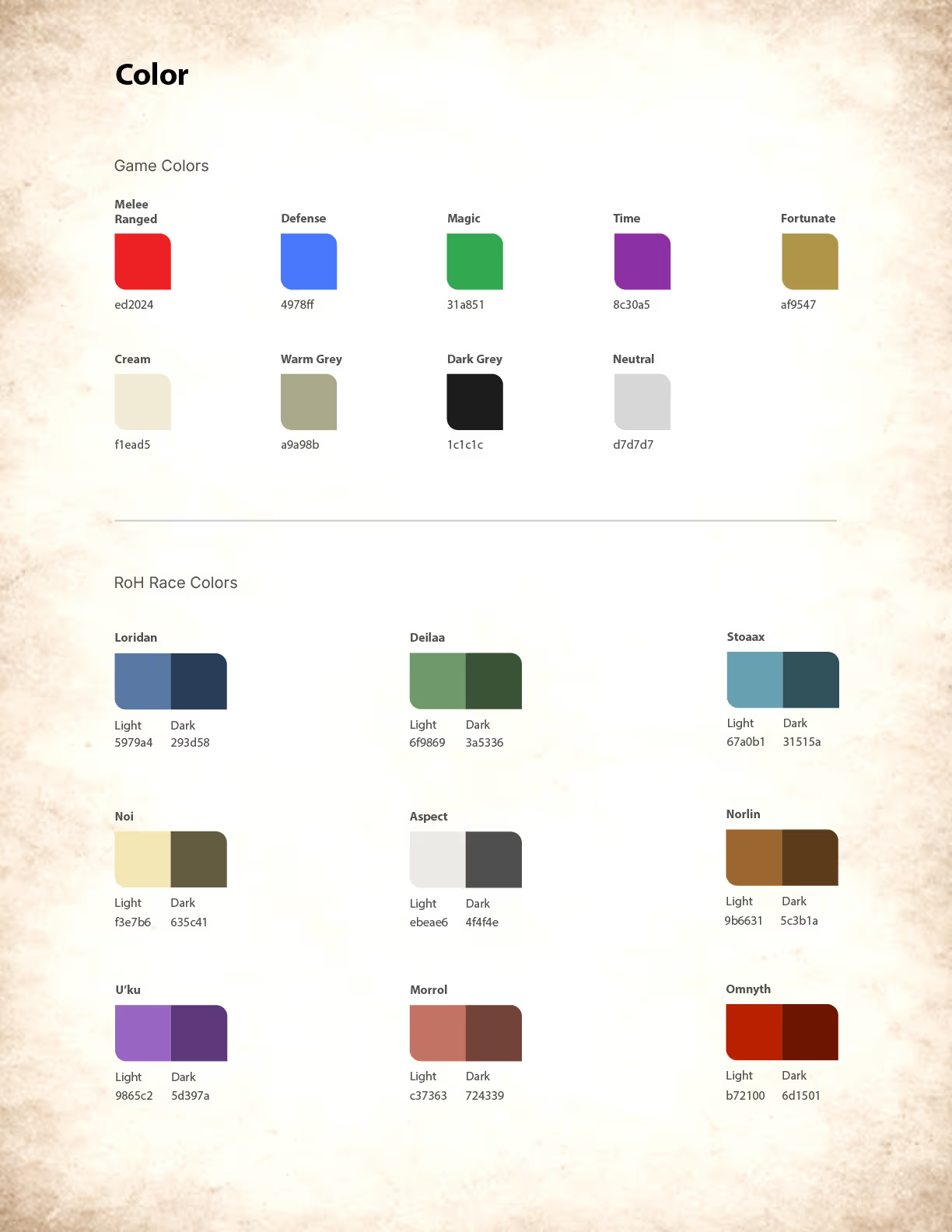
Color chip asset from the style guide example used in this course.Color chip asset from the style guide example used in this course.Color chip asset from the style guide example used in this course.Color chip asset from the style guide example used in this course.Color chip asset from the style guide example used in this course.Color chip asset from the style guide example used in this course.Color chip asset from the style guide example used in this course.Color chip asset from the style guide example used in this course.Color chip asset from the style guide example used in this course.Color chip asset from the style guide example used in this course.Color chip asset from the style guide example used in this course.Color chip asset from the style guide example used in this course.
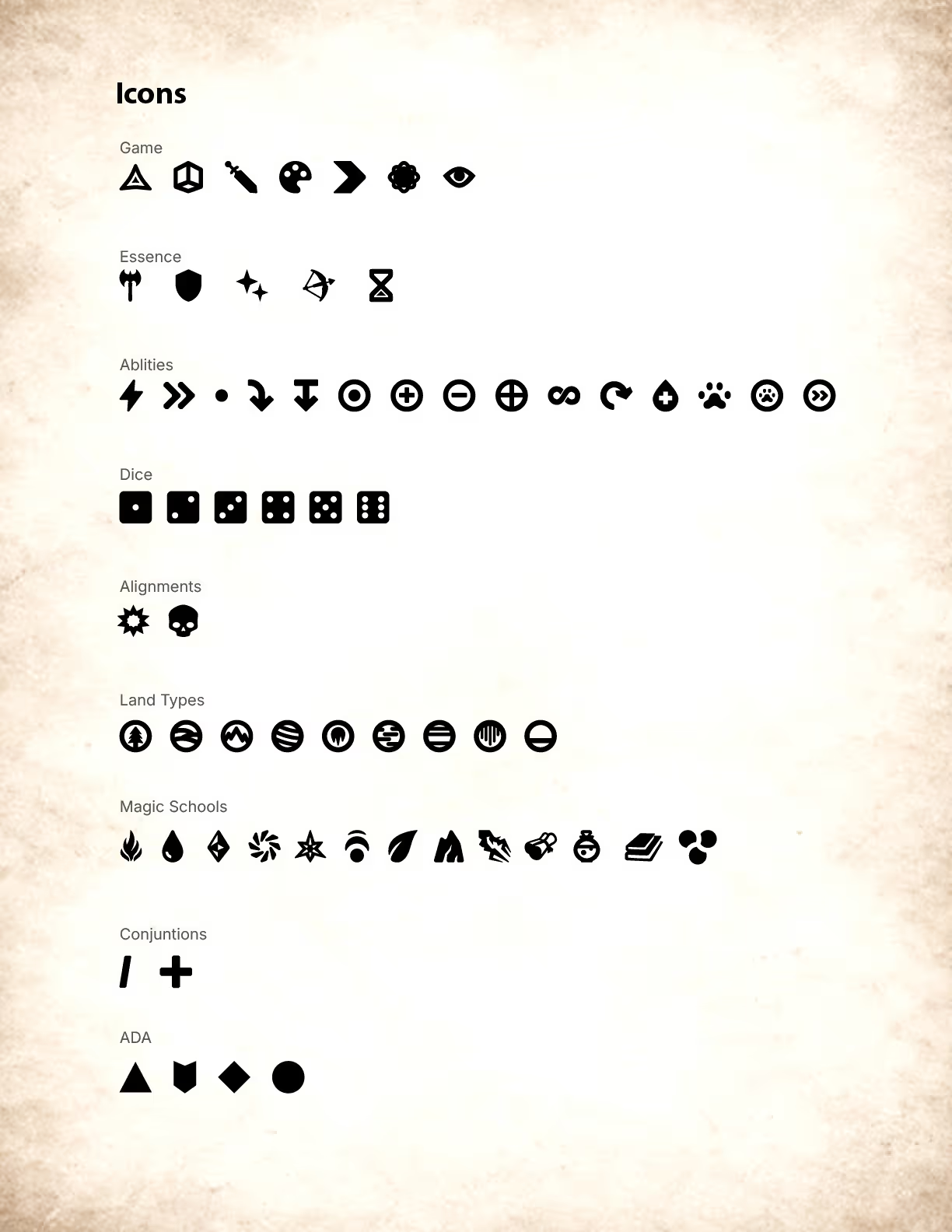
Icon asset used in the example game from this course.Icon asset used in the example game from this course.Icon asset used in the example game from this course.Icon asset used in the example game from this course.Icon asset used in the example game from this course.Icon asset used in the example game from this course.Icon asset used in the example game from this course.Icon asset used in the example game from this course.
Fully designed course assets for reference.
Access fully built design assets you can download, dissect, and use as practical references throughout the entire learning process.
This is the Figma application logo icon.This is the Adobe Illustrator logo icon.
Step by Step. Follow Along. Not Rushed.
Learn through calm, step-by-step examples that are never rushed - clear, direct, and focused on helping you truly understand each decision and strategies behind the process.
Style Guide
Master style guides that bring clarity and consistency to every board game prototype.
Adobe Creative Cloud
Organize Adobe Creative Cloud assets for fast iteration and long-term stability.
Digital Library
Build a tight digital library that keeps assets reusable and instantly updateable.
Adobe Illustrator & Figma
Use Illustrator, Creative Cloud, and Figma to build flexible, system-driven game assets.
Color System
Create clear, intentional color systems that stay readable and consistent across your game.
Typography
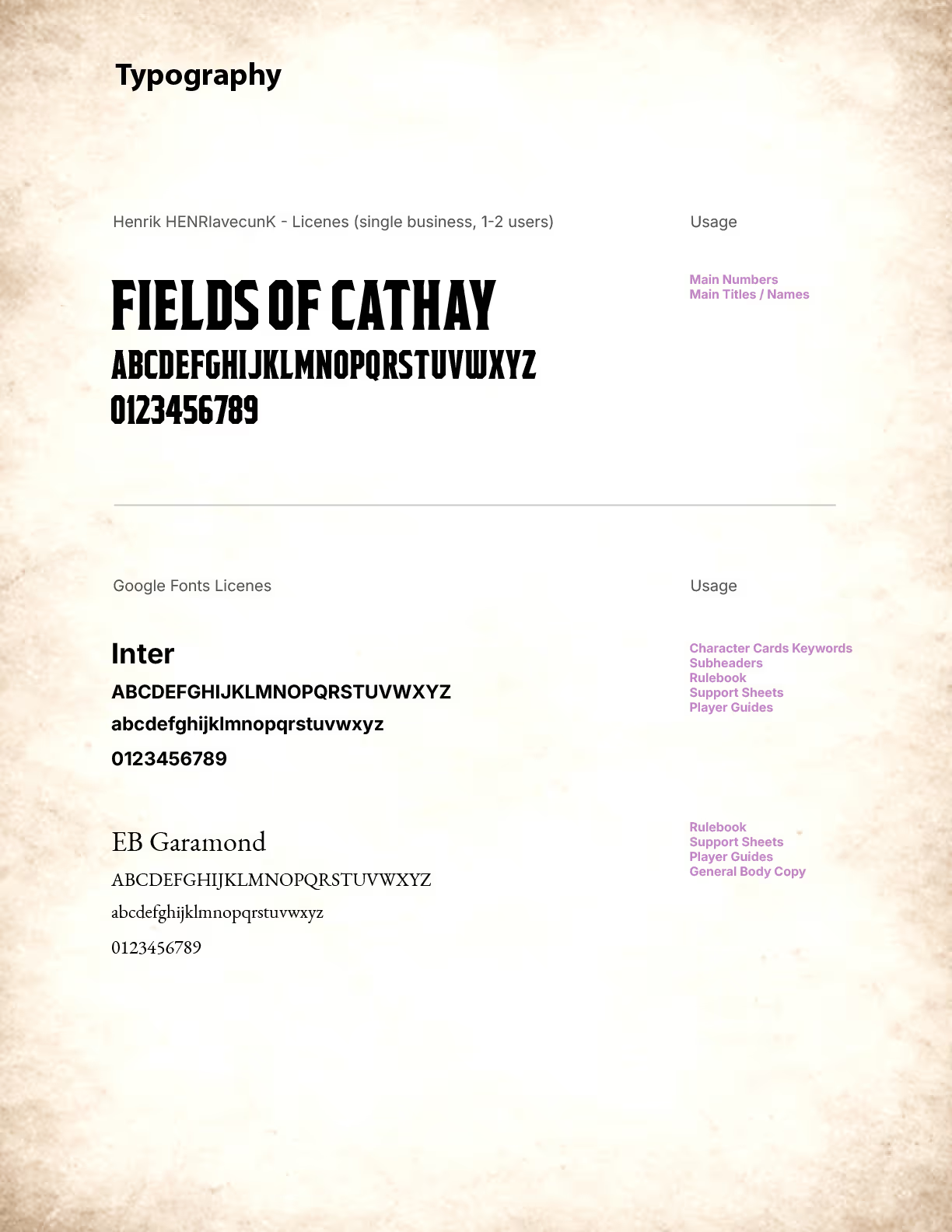
Choose fonts that balance theme, hierarchy, and legibility at the table.
Icon Design
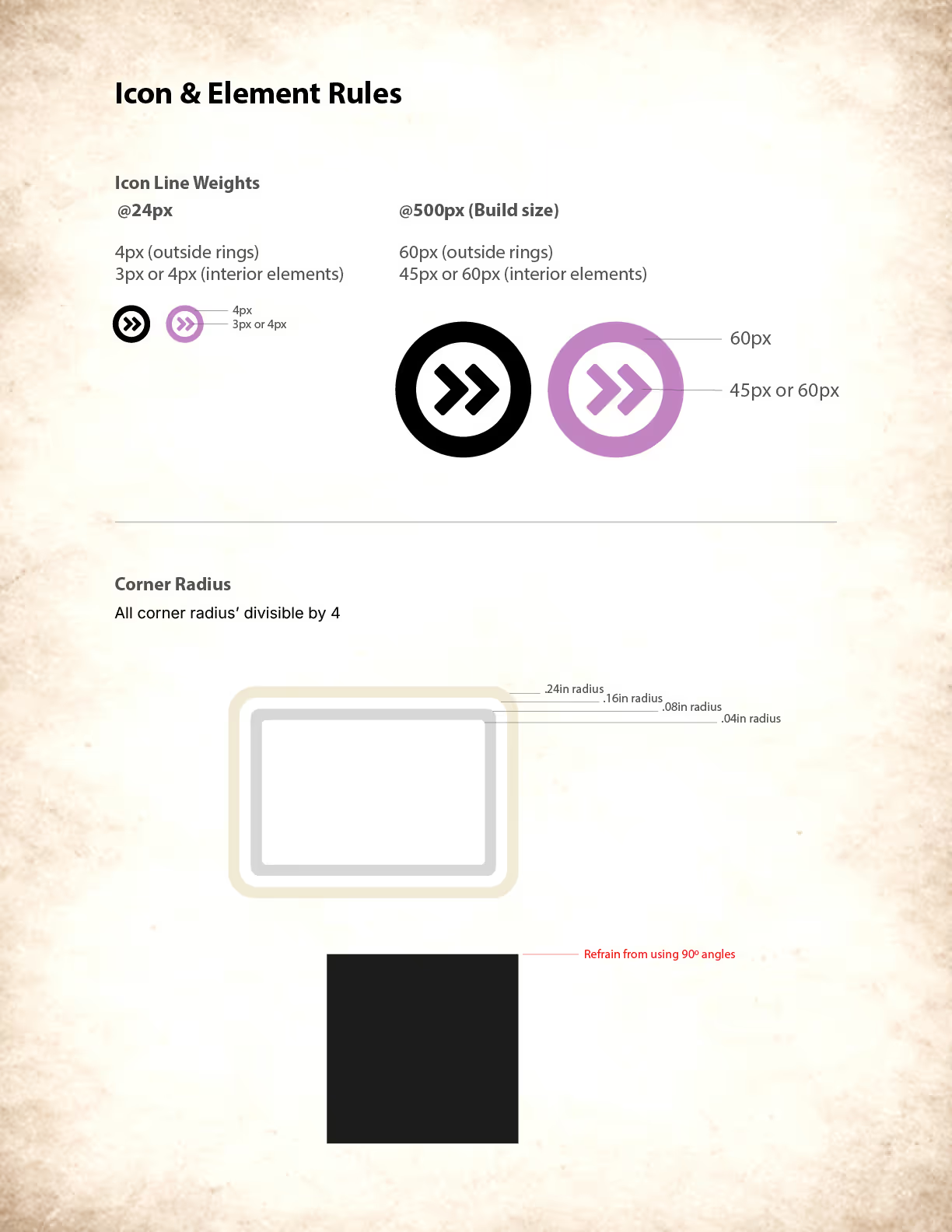
Design Illustrator-based icons that clearly support your game's mechanics and goals.
Future Scaling
Design systems that scale as your game grows in scope and complexity.
Full Course Set List
Course previews found inside.
000 Videos
000 Hours
Carrot button used to expand the full video list drawer. Preview videos are found in this section when opened.
Get Started Learning Now!
This is a good time to get your project fired up and into the world.
Course
01
Free
Board Game Design Systems: From Style Guide to Digital Library
Lifetime access to this course!
• This is a bullet point that goes here.
• This is a bullet point that goes here.
$0 - Free Course
Sign Up for Free Access
Four Course Pass
Lifetime access to the four courses listed below!
Course
01
Course
02
Course
03
Course
04
Course 01 - Into to Design and Style Guides
Course 02 - Complex Design Systems & High-Fidelity Prototyping
Course 03 - Complex Spreadsheet Functionality and Automation
Course 04 - Digital Prototyping with Tabletopia
$399
(Save $48)
Purchase
Tell Me More